Optimización de corte ·
Try our web optimizer with your measurements
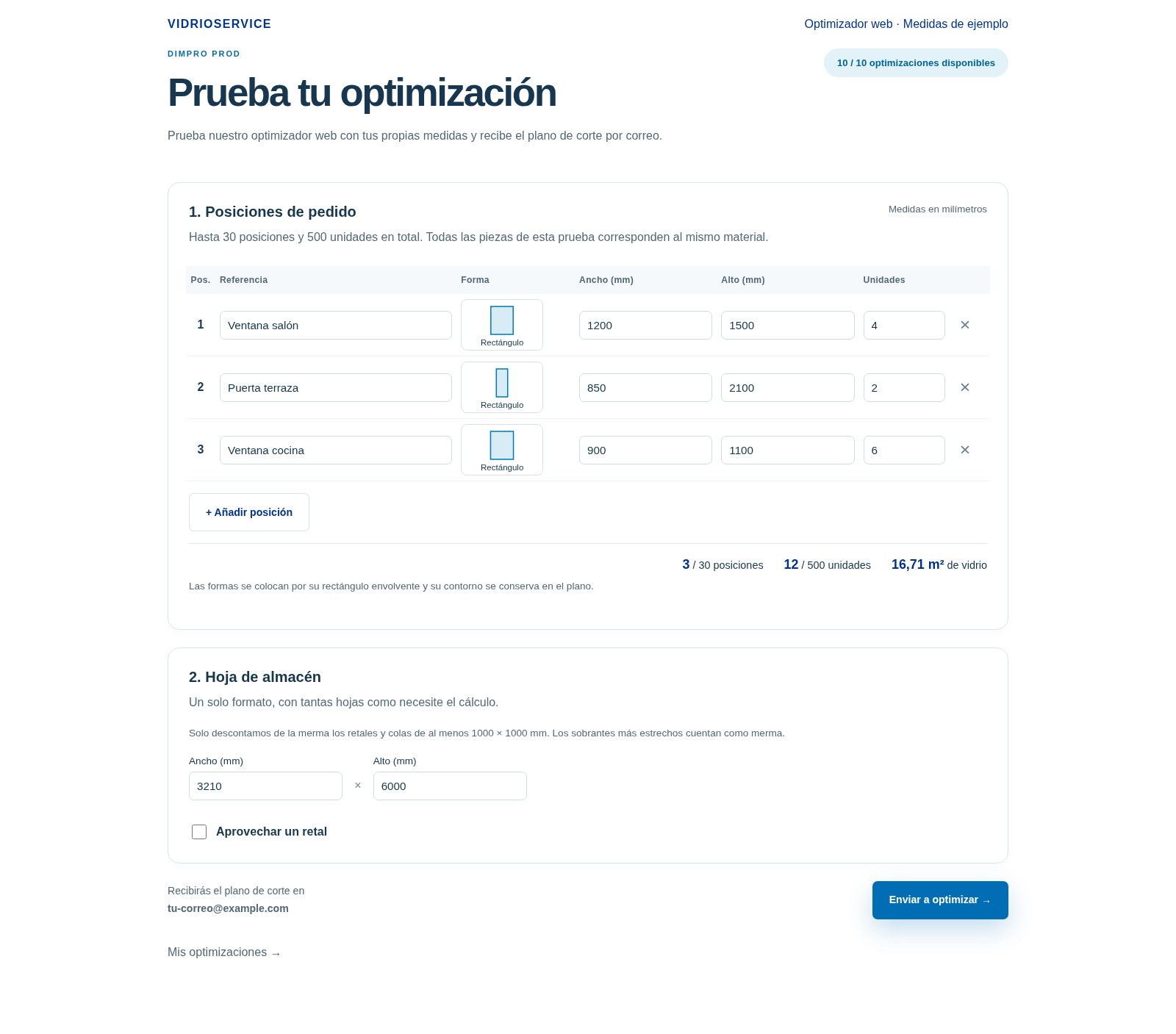
Enter your order measurements and try our web optimizer. Receive the cutting plan by email and check the status and results from your private area.
How much can you get out of your glass sheets? Try it with an order you know well: enter your measurements and let our web optimizer prepare the cutting plan.
You can enter measurements and quantities, choose shapes from the catalogue or import a DXF. No software installation is required.
Once you submit the order, we take care of the calculation. You can close the page: we will email you the result as soon as it is available.
To check its progress, go back to My optimizations in your private area. There you will find the status of each test and, once it is complete, a summary of the result and the PDF plan to download.
Check the sheets required, the yield achieved and the offcuts you can keep. You assess the result yourself, using your own measurements.
How to access the optimizer demo
To try the web optimizer, you first need to register for the Vidrioservice demo . Follow these steps:
1. Register for the demo. Open Request access to the demo , enter your details and submit the form using your professional email address.
2. Activate your account. You will receive an email with a link to confirm your address and create your password.
3. Enter the demo and open “Optimize”. Once your account is activated, access your private area and click Optimize in the menu. You will then be able to enter your order measurements and run the test.
Already registered? Log in with your email address and password and open the optimizer .
When activating your account or logging in, allow the browser to share your location: this is required to access the demo.
The demo includes seven days of access from activation and up to ten optimization tests per account. PDF plans are kept for 30 days; download a copy to save it.